How to Clear DTC Information in Allison DOC
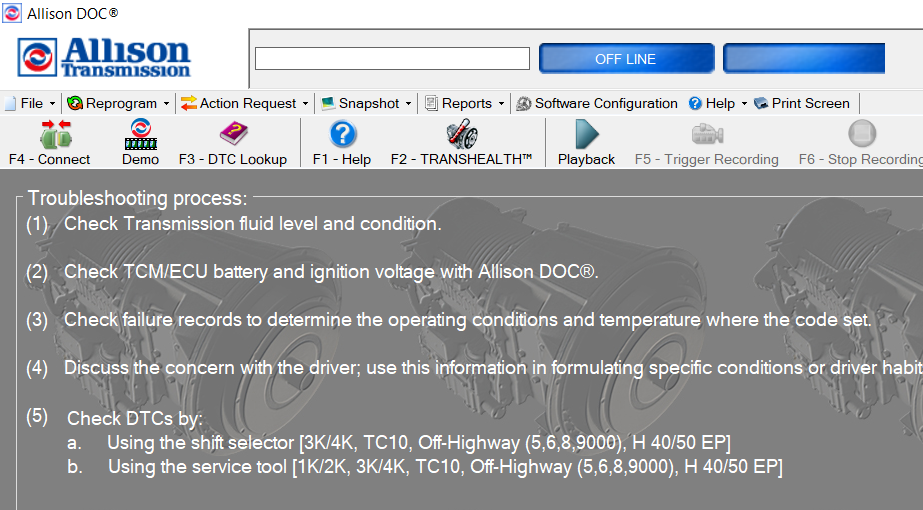
The following guide contains instructions on how to clear DTC information in Allison DOC: After successfully connecting up to the Allison transmission you will find yourself in the “DTC and General Information” screen. From this screen you can click the “Clear DTC Information” button. A new window will appear that says “Clear DTC Information Request […]
Troubleshooting Connection Issues in Allison DOC
Here is a quick bulleted list of steps for troubleshooting connection issues in Allison DOC: Allison DOC‘s SmartConnect feature is pretty good but occasionally you may still encounter an error message when trying to connect. Verify you are selecting the appropriate transmission type. Try selecting a different protocol if not using SmartConnect Make sure […]
Connecting to the Transmission Controller in Allison DOC
Connecting To The Transmission Controller In Allison DOC Connecting to the transmission control in Allison DOC is a simple and straightforward process. It can be done by following these steps: From the horizontal toolbar across the top of the screen, click the “F4 – Connect” option or simply press the F4 key on your keyboard. […]